- Marketing & Audience
- Single-page
Lead magnet request
Collect requests for a useful resource and separate future email preferences.
- 3forms
- 30questions
- Freeon every plan
Opens in the builder, fully editable. No card required.
Inside the template
3 forms, ready to import
Each form has its own page with a live preview and the full list of questions. Import the one you need; every question is editable.
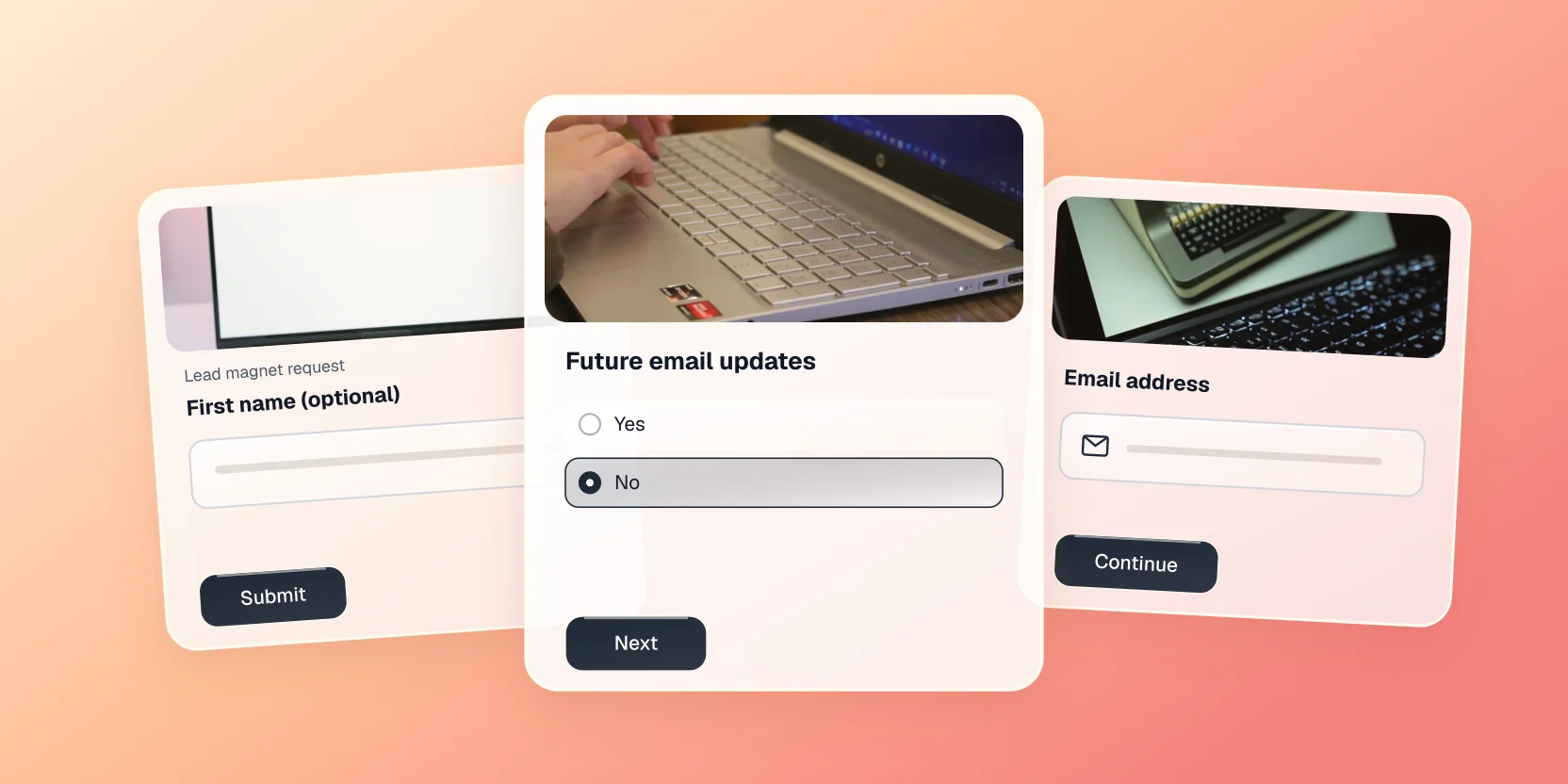
Why this one works
Built around how people actually answer
Scattered messages make it difficult to compare submissions or understand what is missing. Collect requests for a useful resource and separate future email preferences.
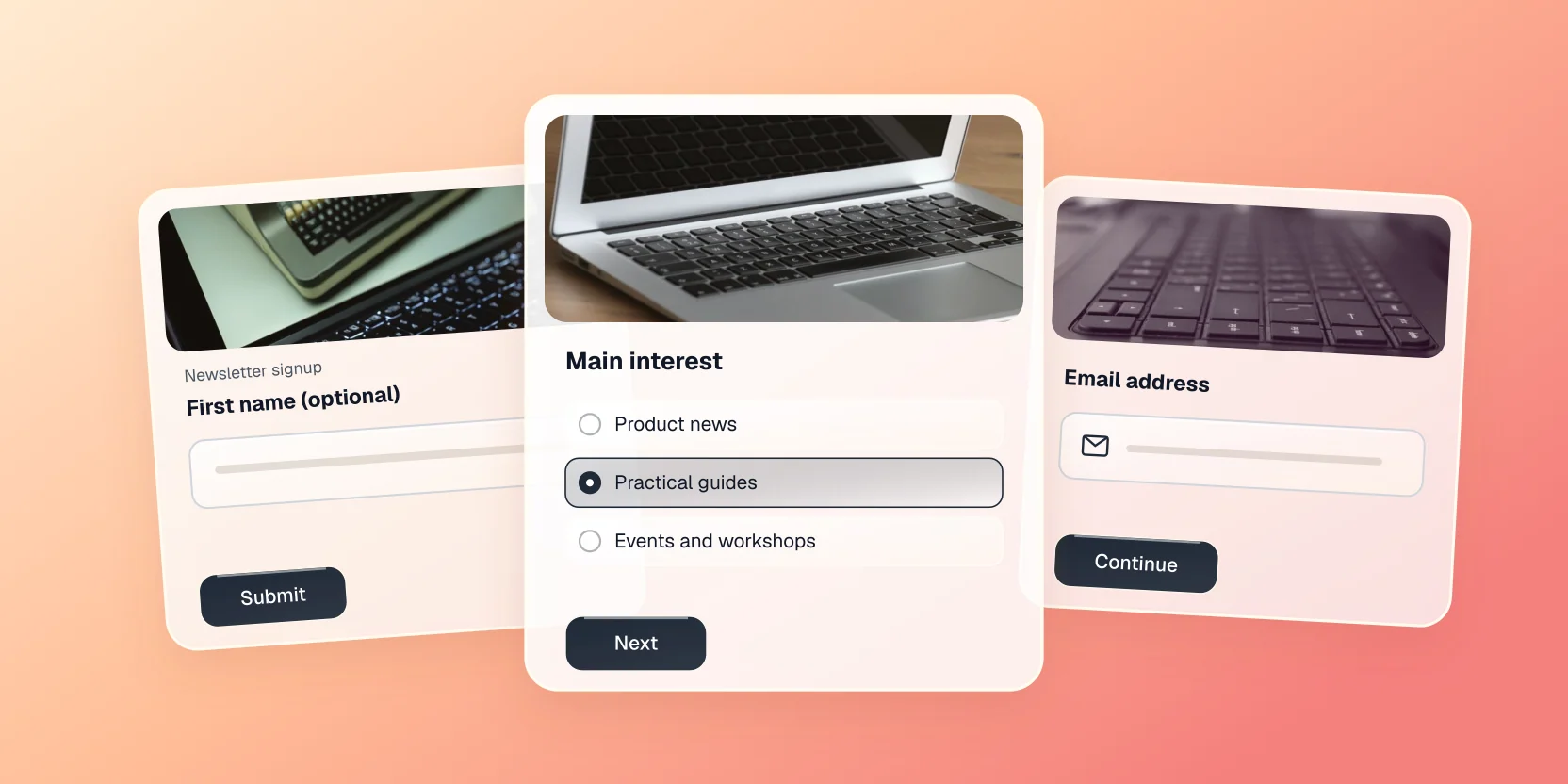
The attached forms collect email address, first name, resource requested, future email updates, update frequency. The Essentials version keeps the request short. The Standard version uses a conversational flow. Complete adds optional context and relevant follow-up questions. Choose the version that fits the work rather than asking everyone for every possible detail.
Review submissions before acting on them. Connect the suggested services only if your workflow needs them; this template does not activate notifications or integrations automatically.
Make it yours
Three things worth changing first
Put your brand on it
Swap the theme, drop in your logo and typeface, or lock it all with a brand kit so every form matches.
Change what the logic does
Edit the branches on any question, or add your own conditions so the follow-ups fit how you work.
Send it where you work
Push responses to Slack, a spreadsheet or your CRM the moment they land, with no export step.
Questions about this template
Is the Lead magnet request template free to use?
Yes. The Lead magnet request template opens in the builder on the free plan. Some fields, such as payments or file uploads, need a paid plan to publish.
What is in the Lead magnet request template?
3 forms with 30 questions between them: Lead magnet request (Essentials, single-page), Lead magnet request (Standard, conversational), Lead magnet request (Complete, single-page). Import the one you need; every question is editable.
Can I switch it to conversational?
Yes. Either experience works with the same questions; switch it from the form's design settings at any time.
Where do Lead magnet request responses go?
Into your Onlyform workspace, and from there to Slack, Google Sheets, Notion, your CRM or any endpoint via integrations.
More in marketing & audience
See all
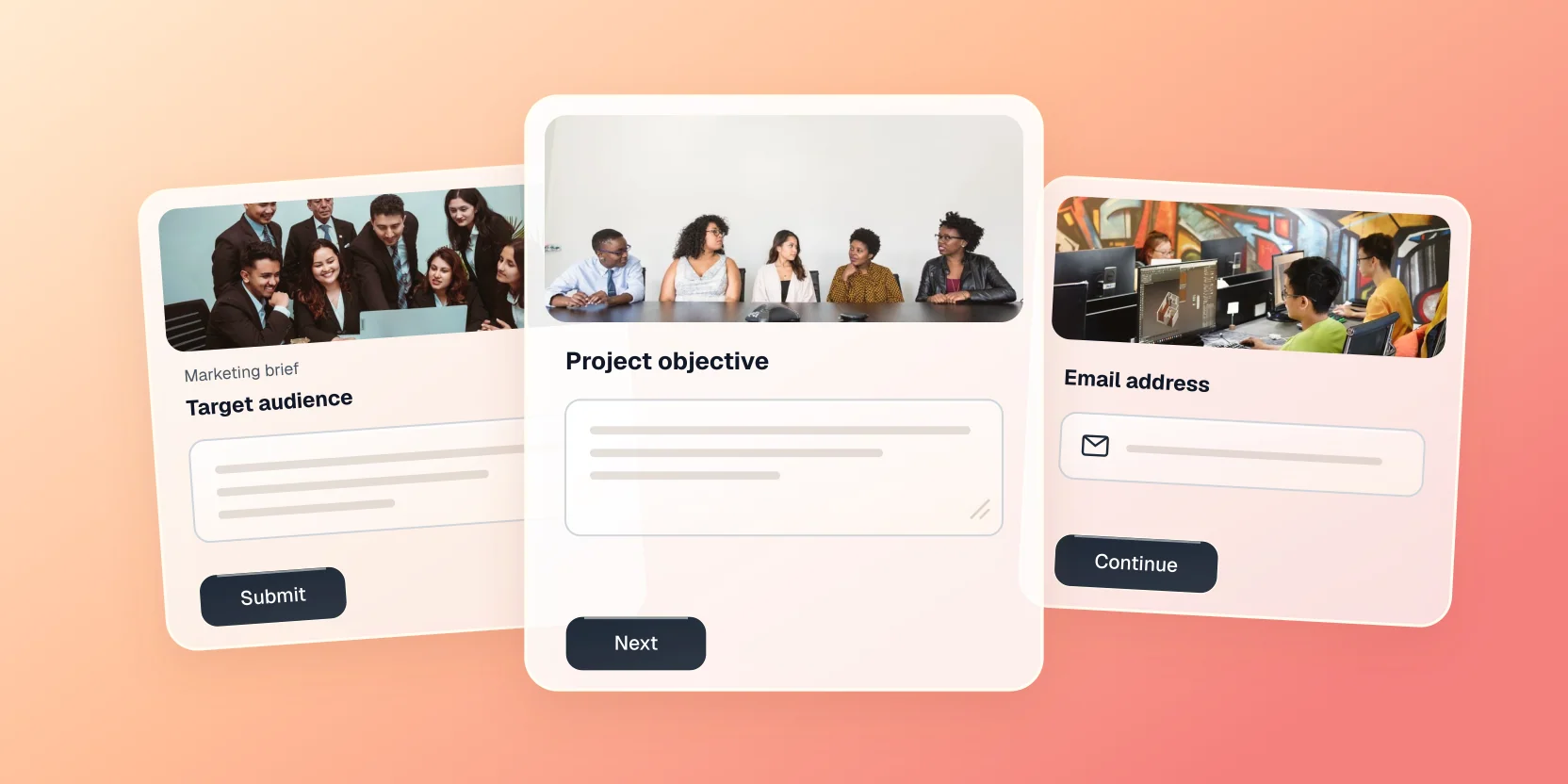
Marketing brief
Give a marketing team the audience, objective and deliverables to start work.
Use this template in your workspace
It opens in the builder, fully editable. Free forever plan, no card required.