- Feedback & Satisfaction
- Single-page
Renewal check-in (Essentials, single-page)
Understand a customer's priorities before a renewal conversation.
- 6questions
- ~2 minto complete
- Freeon every plan
Opens in the builder, fully editable. No card required. Part of the Renewal check-in template with 2 other forms.
What is inside
6 questions, ordered so the easy ones come first. Every one is editable — delete what you do not need and add your own.
- 1Overall satisfactionOpinion scale
- 2One improvement (optional)Long text
- 3What worked well (optional)Long text
- 4Experience reviewedMultiple choice
- 5Renewal intentionMultiple choice
- 6Permission to follow upYes / No
Make it yours
Three things worth changing first
Put your brand on it
Swap the theme, drop in your logo and typeface, or lock it all with a brand kit so every form matches.
Change what the logic does
Edit the branches on any question, or add your own conditions so the follow-ups fit how you work.
Send it where you work
Push responses to Slack, a spreadsheet or your CRM the moment they land, with no export step.
Questions about this form
Is the Renewal check-in (Essentials, single-page) form free to use?
Yes. It opens in the builder on the free plan as part of the Renewal check-in template. Some fields, such as payments or file uploads, need a paid plan to publish.
Can I edit the questions in Renewal check-in (Essentials, single-page)?
Everything is editable: reorder, rename, delete or add any of its 6 questions, and change the logic between them.
Can I switch it to conversational?
Yes. Either experience works with the same questions; switch it from the form's design settings at any time.
Where do Renewal check-in (Essentials, single-page) responses go?
Into your Onlyform workspace, and from there to Slack, Google Sheets, Notion, your CRM or any endpoint via integrations.
More forms in Renewal check-in
See the template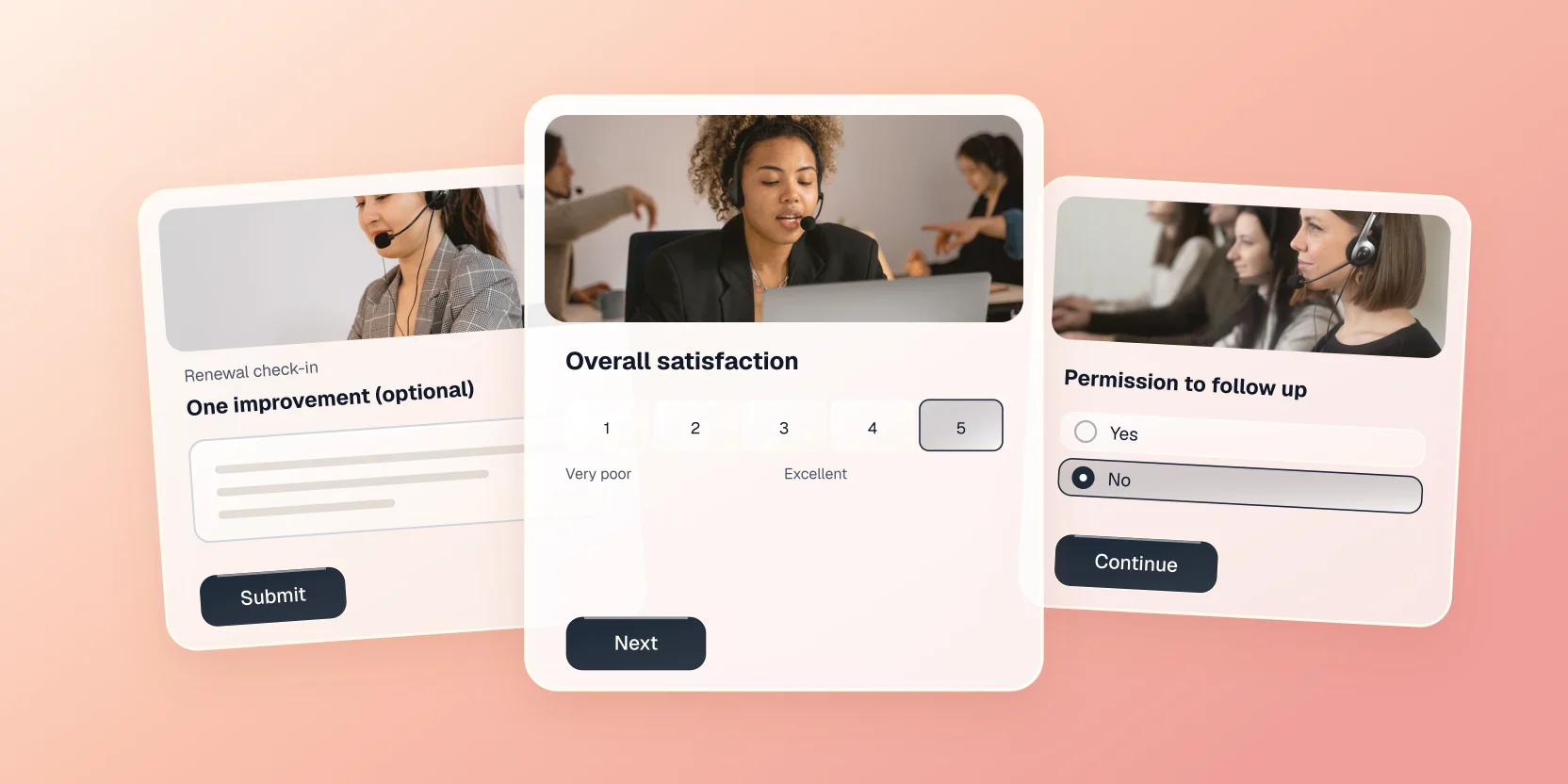
Use this form in your workspace
It opens in the builder, fully editable. Free forever plan, no card required.