- Customer Success & Support
- Single-page
Account deletion feedback (Complete, single-page)
Collect optional feedback separately from processing account deletion.
- 14questions
- ~5 minto complete
- Freeon every plan
Opens in the builder, fully editable. No card required. Part of the Account deletion feedback template with 2 other forms.
What is inside
14 questions, ordered so the easy ones come first. Every one is editable — delete what you do not need and add your own.
- 1Main reason for leaving (optional)Multiple choice
- 2Reason details (optional)Long text
- 3What could have helped (optional)Long text
- 4Future use (optional)Multiple choice
- 5Permission to follow up (optional)Yes / No
- 6Email address (optional)Email
- 7Time as a customer (optional)Multiple choice
- 8Alternative chosen (optional)Short text
- 9Value for money (optional)Opinion scale
- 10Support experience (optional)Opinion scale
- 11What worked (optional)Long text
- 12Additional feedback (optional)Long text
- 13Unresolved issue (optional)Yes / No
- 14Unresolved issue details (optional)Long text
Make it yours
Three things worth changing first
Put your brand on it
Swap the theme, drop in your logo and typeface, or lock it all with a brand kit so every form matches.
Change what the logic does
Edit the branches on any question, or add your own conditions so the follow-ups fit how you work.
Send it where you work
Push responses to Slack, a spreadsheet or your CRM the moment they land, with no export step.
Questions about this form
Is the Account deletion feedback (Complete, single-page) form free to use?
Yes. It opens in the builder on the free plan as part of the Account deletion feedback template. Some fields, such as payments or file uploads, need a paid plan to publish.
Can I edit the questions in Account deletion feedback (Complete, single-page)?
Everything is editable: reorder, rename, delete or add any of its 14 questions, and change the logic between them.
Can I switch it to conversational?
Yes. Either experience works with the same questions; switch it from the form's design settings at any time.
Where do Account deletion feedback (Complete, single-page) responses go?
Into your Onlyform workspace, and from there to Slack, Google Sheets, Notion, your CRM or any endpoint via integrations.
More forms in Account deletion feedback
See the template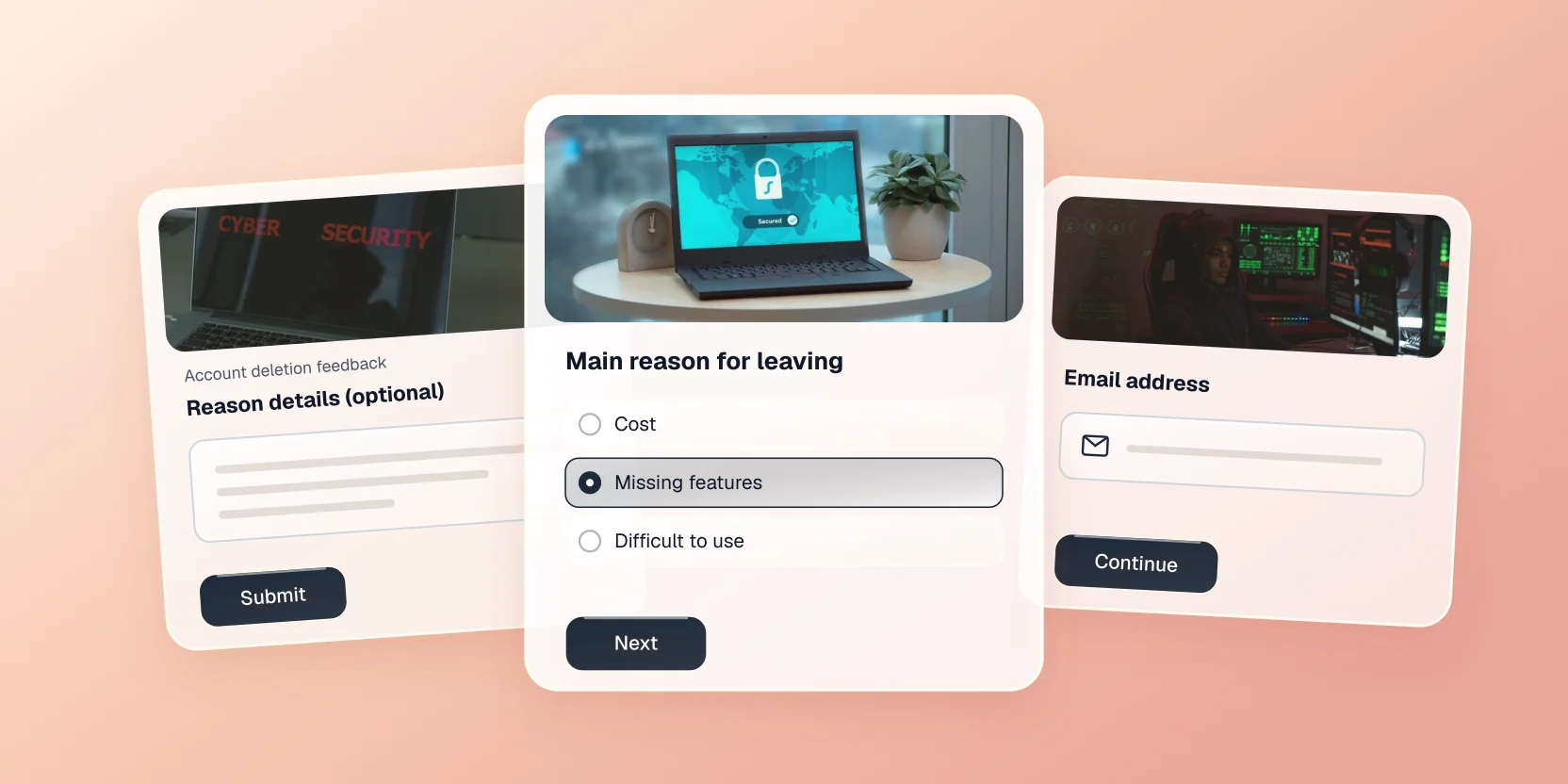
Use this form in your workspace
It opens in the builder, fully editable. Free forever plan, no card required.